Site Plan Checklist Generator
Generate a California site-plan checklist based on your project type and property location before you submit.
Get a more useful result
Use the project-specific checklist to identify missing information early. Actual portal rules, required sheets and approved document formats vary by jurisdiction.
- Choose your project type and current permit stage.
- Save the suggested input list and note anything you still need.
- Compare the checklist against the correct local permit application.
Example: Example: garage permit packet with site plan, dimensions, elevations and city notes.
Enter Your Project Information
Run the tool for an instant preview. Your complete analysis is prepared at the same time and emailed after the report form is submitted.
Building your project analysis…
Checking the inputs, project logic and available source context.
Your detailed report is prepared.
The complete report includes the full checklist, source links, unresolved items, calculations or rule findings, and recommended next actions.
Your complete analysis
A copy has also been sent to your email.
Useful Answers Without Pretending Every Property Is the Same
Tell us about the property
Your address and project details establish the context.
Run the tool logic
Project-specific rules and calculations evaluate the inputs.
Check local context
Official building and planning sources appear when available.
Receive the full report
Preview the result instantly, then email the full analysis to yourself.
A Site Plan Checklist Should Be Project Specific
A pool site plan, ADU site plan, commercial site plan and demolition site plan do not present the same information. The generator begins with project type and adds common permit-plan fundamentals.
Common Site Plan Elements
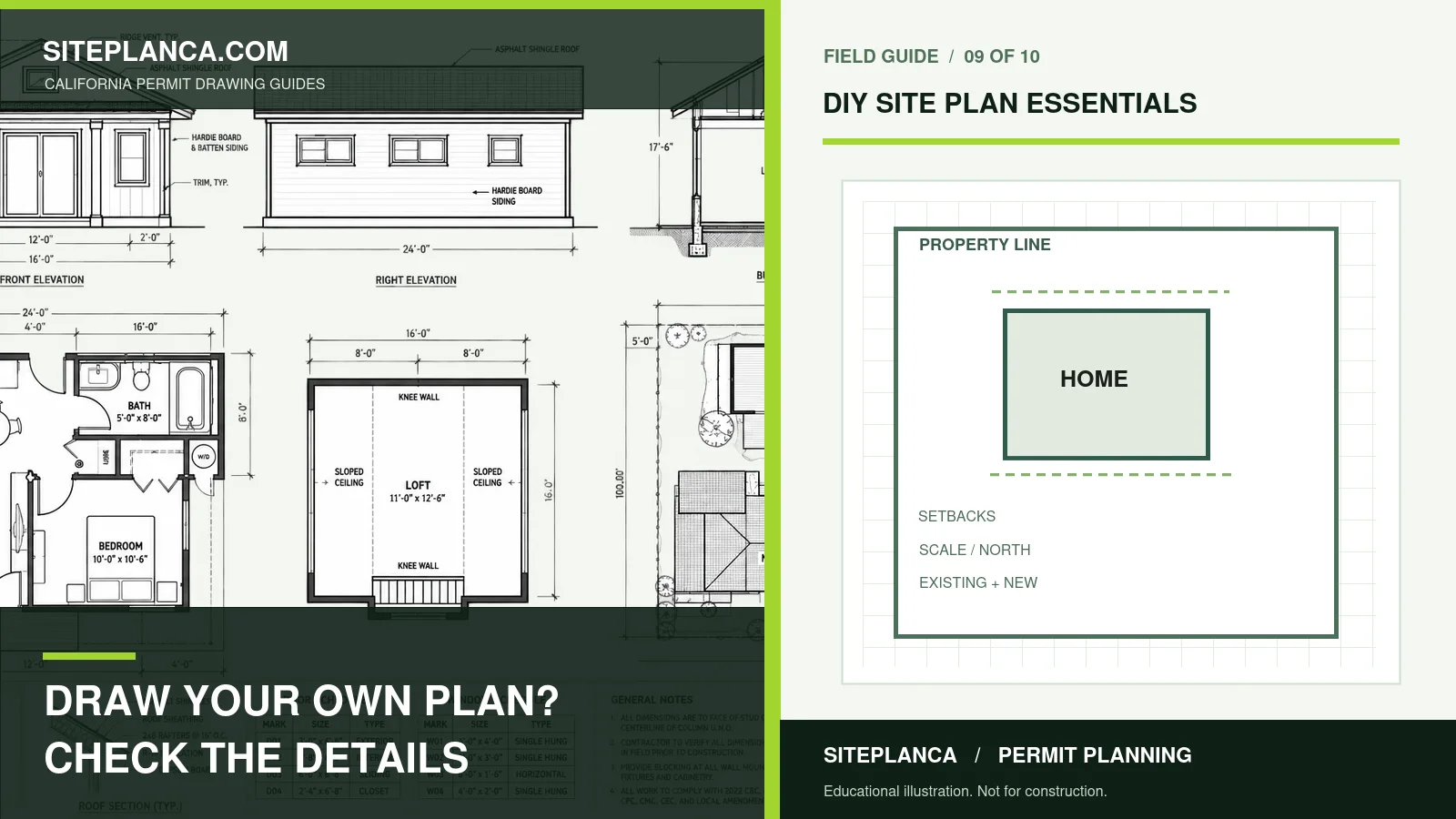
Property context, north arrow, scale, existing structures, proposed work, dimensions, access, labels and project notes are common categories. The checklist does not imply that every jurisdiction requires every item.
Local Requirements Need Official Links
The tool matches the property to the likely jurisdiction and displays official building or planning resources from the existing SitePlan California location database when available.
Strong Tools Explain What Is Known, What Is Estimated, and What Still Needs Verification.
Use the Result Correctly Before You Commit Time or Money
Turn the Checklist Into a Readiness Score
Users can mark each item Complete, Missing, Not Sure or Not Applicable. The tool calculates a readiness score and highlights unresolved items before submission.
Use the Checklist as a Lead Capture Asset
After the result, users can email the checklist and request a professional review. The lead record stores the project, address, readiness result and unresolved items.
Why Readiness Scoring Helps Before Submission
A checklist is more useful when it identifies what is unresolved instead of simply listing everything that could appear on a site plan. Marking each item Complete, Missing, Not Sure or Not Applicable lets the tool create a readiness score and focus attention on the few items most likely to delay a clean submittal.
Use the Checklist With the Actual Drawing Set
The checklist should be reviewed against the current site plan, architectural sheets and any written permit comments. Dimensions, proposed footprints and labels should agree across drawings. A technically complete checklist cannot compensate for conflicting information between the site plan and the rest of the permit package.
How a Pre-Submission Review Can Reduce Corrections
Before submitting, review the property information, proposed work, drawing title, scale, north arrow, access, labels and project-specific items as one coordinated package. When local checklist items are available, compare them directly. A professional review can be useful when the project is complex or the user is unsure whether the drawing communicates the property clearly.
Site Plan Checklist Generator FAQs
These answers explain how to interpret the tool and when local or professional verification still matters.
Is every item on the checklist required?
No. The checklist distinguishes common items from project-dependent items and local verification.
Can I generate a checklist for a pool, deck or ADU?
Yes. Each project type has its own drawing-item logic.
Can I use the checklist after a permit rejection?
Yes, but written correction comments should also be run through the Permit Correction & Rejection Analyzer.
Does the checklist replace the city's application instructions?
No. It helps organize those instructions and points you toward official local sources.
Can I save the checklist?
Yes. The result can be emailed through the report/lead form.
What does the readiness score mean?
It is the percentage of applicable checklist items marked complete. It is not a permit-approval probability.
Can the checklist be emailed to me?
Yes. After running the tool, enter your contact details to receive the full report by email.
Need a plan for your property?
This tool is a starting point. Send the property address, proposed work, and any city comments so we can confirm the drawing scope.
Request a project review for your site plan checklist question