California Permit Requirements Checker
Check likely California permit requirements by address and project type before you spend time preparing the wrong documents.
Get a more useful result
A property address, proposed work and permit stage help narrow the relevant questions. This screen is not a permit approval or an official city checklist.
- Enter the full California property address, including city or ZIP code.
- Choose the proposed improvement and whether the application is new or already under review.
- Use official agency links in the report to confirm required drawings.
Example: Example: detached garage in Sacramento, applying for a first building permit.
Enter Your Project Information
Run the tool for an instant preview. Your complete analysis is prepared at the same time and emailed after the report form is submitted.
Building your project analysis…
Checking the inputs, project logic and available source context.
Your detailed report is prepared.
The complete report includes the full checklist, source links, unresolved items, calculations or rule findings, and recommended next actions.
Your complete analysis
A copy has also been sent to your email.
Useful Answers Without Pretending Every Property Is the Same
Tell us about the property
Your address and project details establish the context.
Run the tool logic
Project-specific rules and calculations evaluate the inputs.
Check local context
Official building and planning sources appear when available.
Receive the full report
Preview the result instantly, then email the full analysis to yourself.
What This California Permit Requirements Checker Does
Building-permit requirements are local. This tool combines the property address, project type and available local permit-source information to identify the likely reviewing context, common submission items and whether a property-level site plan is commonly part of the permit package.
Why the Property Address Matters
The address determines jurisdiction. A property inside an incorporated city may be reviewed by that city, while a nearby property in an unincorporated area may be reviewed by the county. The checker resolves the address and surfaces official local permit or planning links when available.
Projects the Tool Covers
The rule engine covers ADUs, pools, decks, patio covers, garages, additions, sheds, fences, demolition, commercial exterior work, grading/drainage, driveways and permit corrections. The output changes by project instead of returning one generic checklist.
Strong Tools Explain What Is Known, What Is Estimated, and What Still Needs Verification.
Use the Result Correctly Before You Commit Time or Money
When a Site Plan Is Commonly Part of the Permit Package
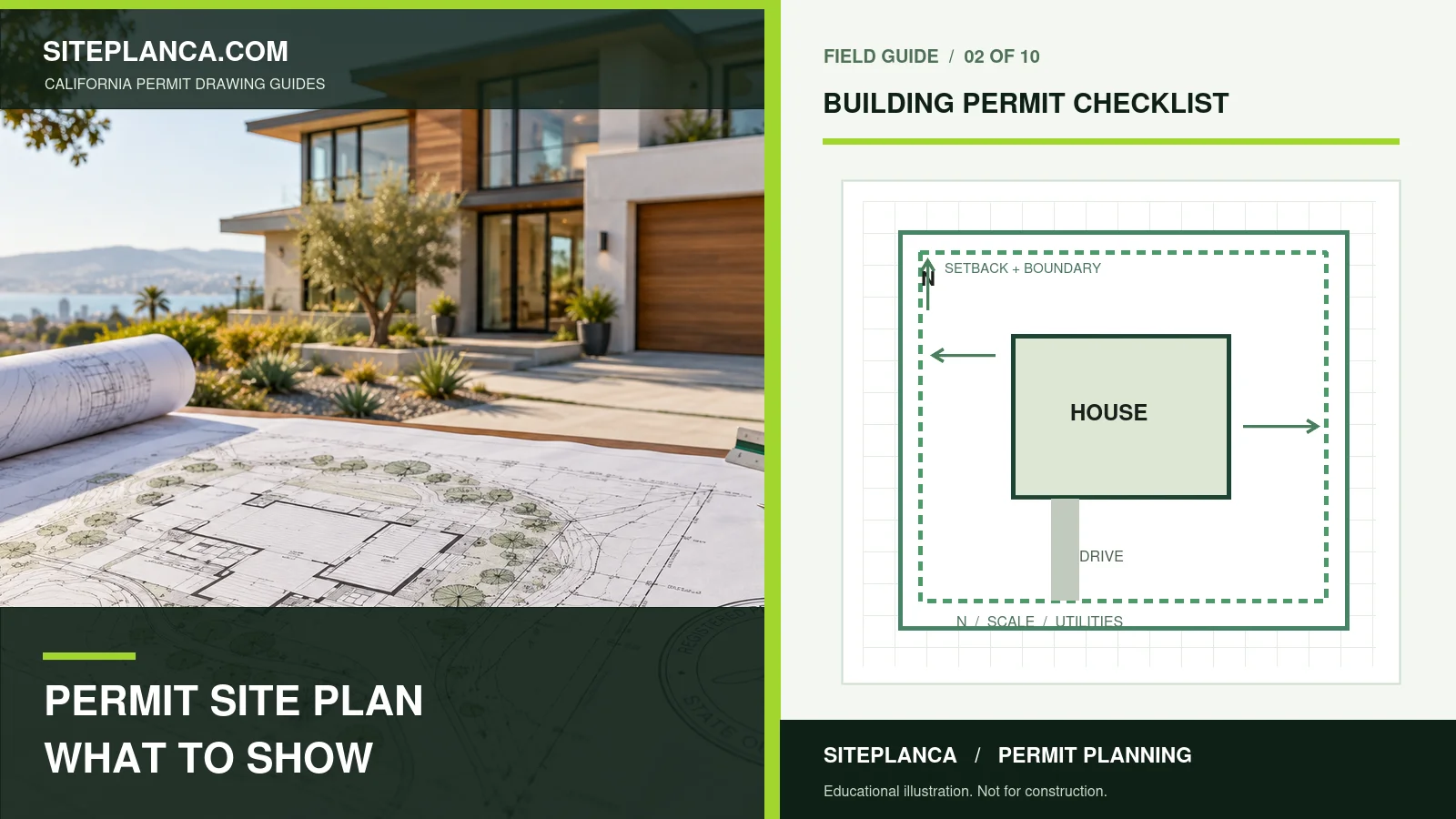
A site plan is often requested when a project changes the building footprint, adds a detached improvement, affects access or parking, changes exterior property conditions, or requires property relationships and setbacks to be shown.
How to Use Your Result
Use the result to organize the next step: open the official local sources, compare the generated checklist with current application instructions, and request property-specific confirmation where the checker flags an unresolved item.
What the Checker Can and Cannot Confirm
The checker is strongest at narrowing the research path: likely jurisdiction, project category, common drawing needs, and official resources. It should not convert incomplete public information into a false permit determination. Where a local rule is not verified, the result should say so clearly and tell the user exactly what to confirm with the building or planning department.
Common Permit-Research Mistakes to Avoid
A frequent mistake is using guidance from the wrong city or county, assuming a neighboring jurisdiction follows the same process, or relying on an old checklist after forms have changed. Another is treating a generic project article as property-specific advice. The tool reduces those errors by tying the workflow to the address and preserving the source context behind the result.
When Professional Site-Plan Help Saves Time
Professional drafting is most useful when the permit package needs a scaled property drawing, the project affects several site elements, the reviewer has already issued corrections, or the available records conflict. In those cases, a clear site plan can coordinate existing conditions, proposed work, dimensions, access, structures and notes into one permit-focused drawing.
California Permit Requirements Checker FAQs
These answers explain how to interpret the tool and when local or professional verification still matters.
Can this tool guarantee that I need a permit?
No. It identifies a likely permit path from the address, project type and available official information, but the reviewing agency remains the final authority.
Why do permit requirements change by city or county?
California jurisdictions administer permitting locally. Project type, zoning, overlays, property conditions and local procedures can affect what must be submitted.
Will the checker tell me if I need a site plan?
Yes. It returns a preliminary site-plan likelihood based on the project type and available local guidance.
What if my project was already rejected?
Use the Permit Correction & Rejection Analyzer so the actual reviewer comments can be categorized and turned into a revision checklist.
Should I rely on the checker instead of the city or county?
No. It is designed to save research time and direct you to the right sources, not replace the reviewing agency.
How current is the permit information?
The tool should rely on the latest local source data available to the SitePlan California system and display verification context where available. Always open the official source before filing.
Can contractors use the checker for multiple projects?
Yes. Each property can be run separately so the jurisdiction and project type drive the result.
Need a plan for your property?
This tool is a starting point. Send the property address, proposed work, and any city comments so we can confirm the drawing scope.
Request a project review for your permit requirements question